

Update news · v0.12.0
Wear Your Records: Titles and Account Linking
88 titles you collect by playing have arrived. Here's how to earn and show off titles, and how to keep your progress safe with a NAVER or Google account.
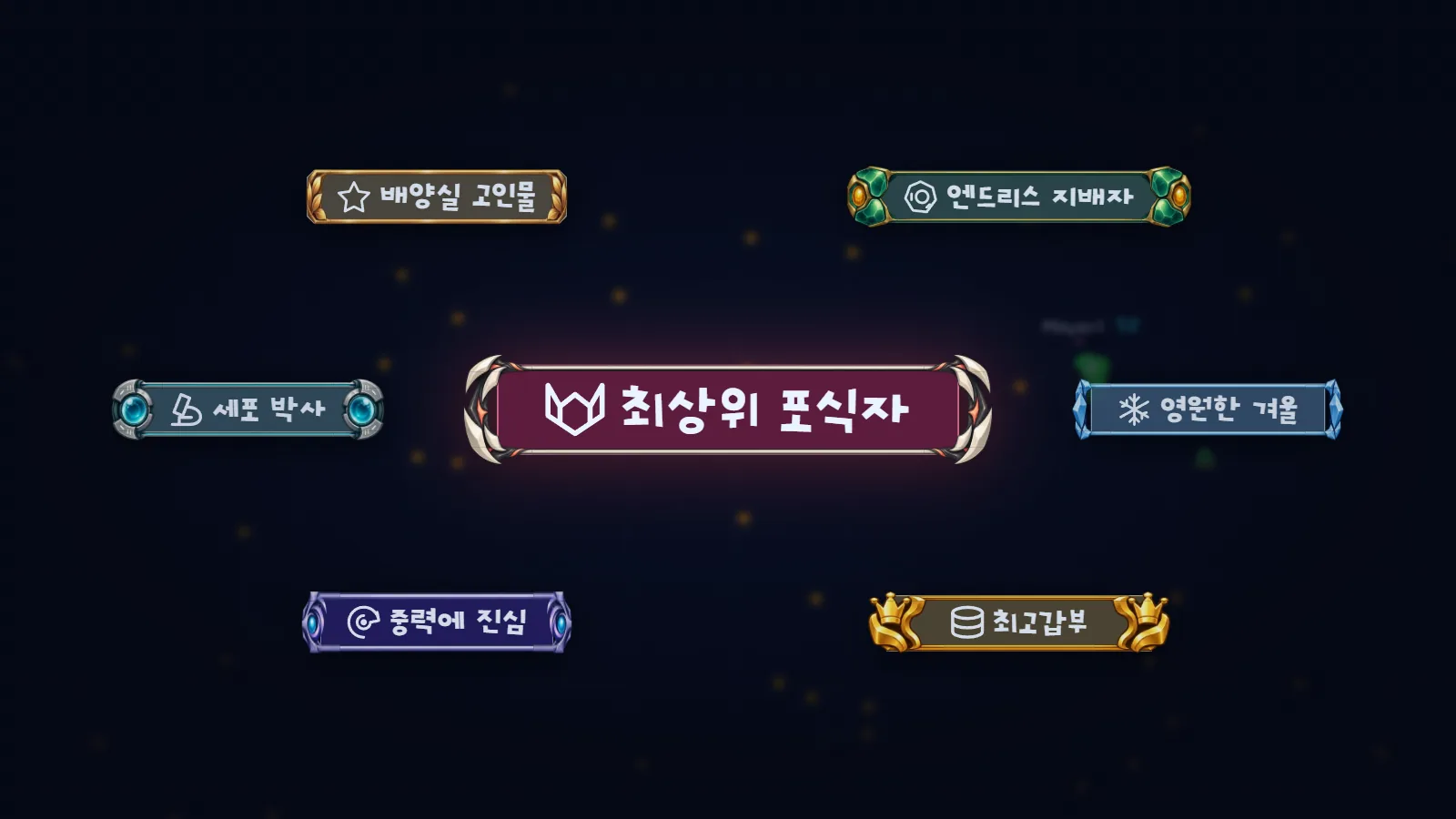
Your play becomes a title
Reach a goal and you earn a title; equip it and it shows with your name. Your past records count too, so when you first look, some titles may already be waiting for you.
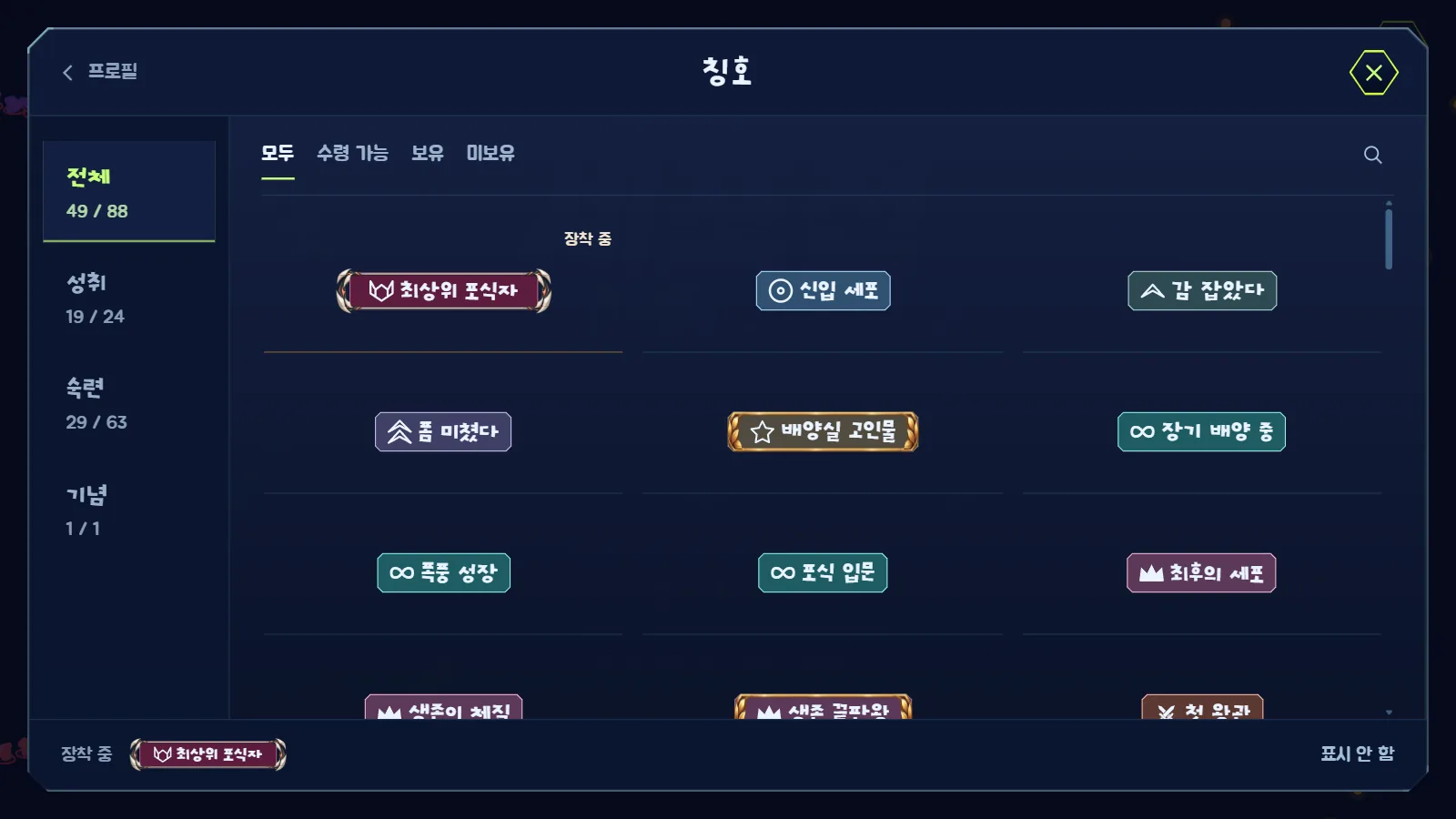
Three kinds of titles
- Achievements: earned from your play, such as mode wins, Endless records, account levels and shopping
- Mastery: each special cell has two, earned as its mastery grows. The higher one wears a frame themed on that cell's ability
- Mementos: hidden titles only for players who shared a special moment with us
Equip and show off
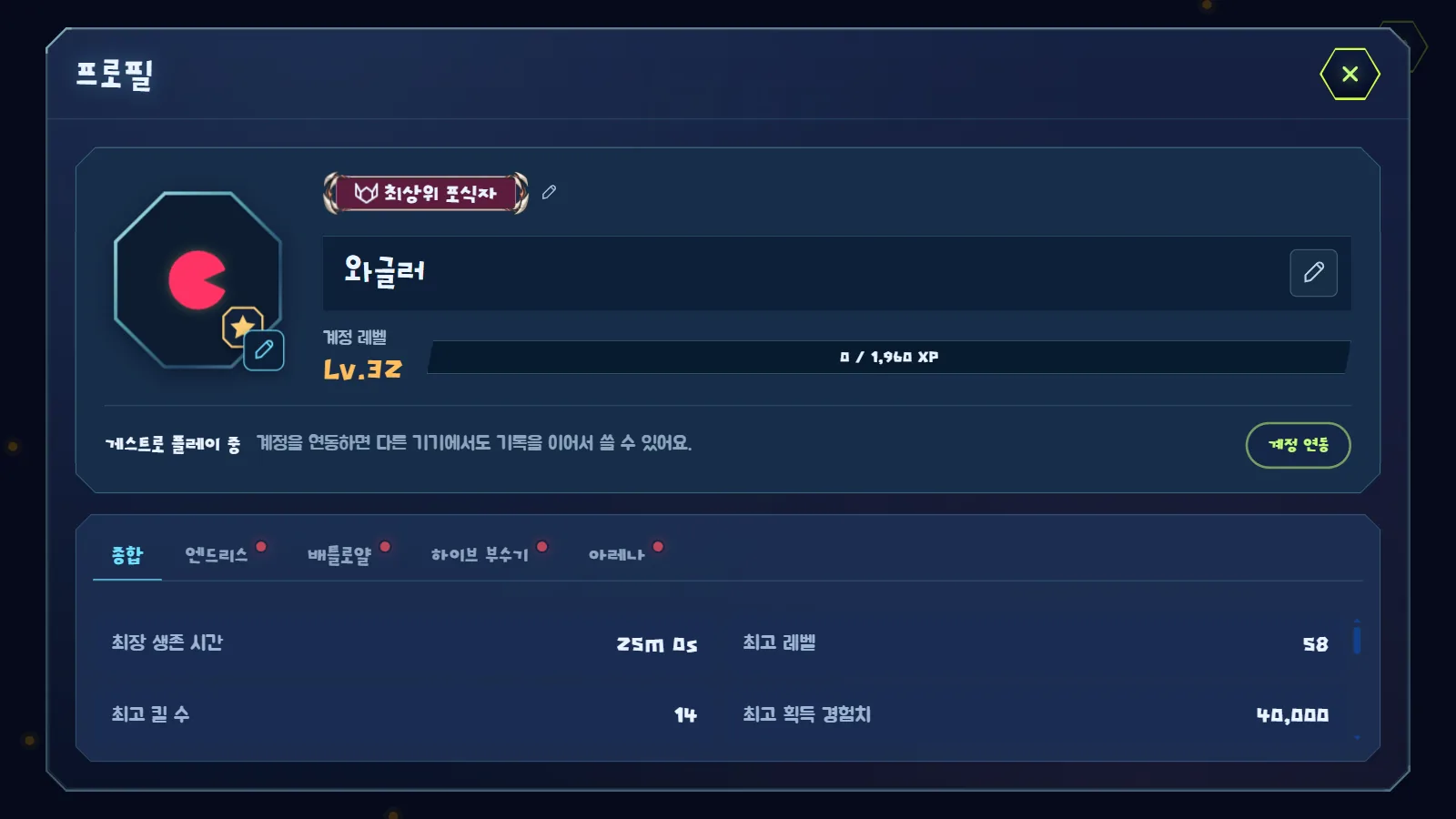
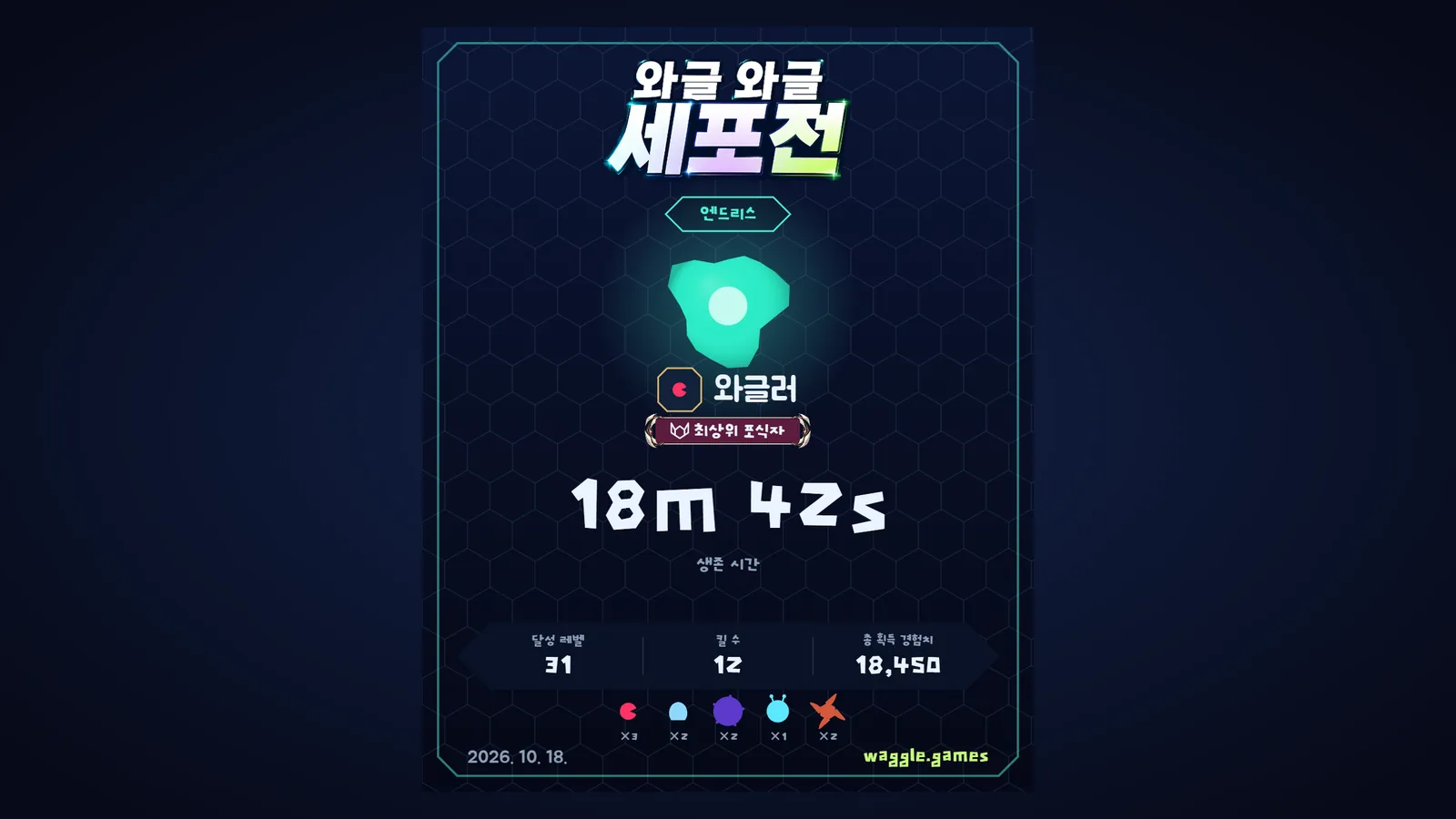
Open Titles from your profile or the Collection to claim and equip them. Your equipped title appears with your name on your lobby profile, the Arena matchup intro, results screens and result cards.
Keep your progress safe with account linking
You can now sign in with NAVER or Google. Once linked, your coins, items and records are saved to your account so you can pick up on another device. Choose Member on the start screen to sign in, or press Link account in your profile while playing as a guest. The first time you link, everything you've built on this device goes straight into your account.

You can check your signed-in devices and sign-in methods under Manage account in your profile. Keep your progress safe, and wear a title all your own above your name.
What changed in v0.12.0
New
- Titles: reach goals such as mode wins, Endless records, account levels and cell mastery to earn titles you can equip. There are 88 across Achievements, Mastery and Mementos, and your past records count too
- Mastery titles: each of the 30 special cells has two titles, earned as its mastery grows. The higher one wears a frame themed on that cell's ability
- Showing titles: your equipped title appears with your name on your lobby profile, the Arena matchup intro, results screens and result cards. You can also see the title of whoever took you down
- Account linking: sign in with NAVER or Google to keep your coins, items and records on your account and pick up on another device. Choose Guest or Member on the start screen, or link later from your profile while playing as a guest
Improvements
- Terms of Service and a Privacy Policy are now available. Find them through the links at the bottom of the lobby