

Update news · v0.13.0
One Round Before the Real Thing: AI Match and Learn
AI Match has arrived, a way to try a real match against AI before going multiplayer. Here's how to pick a mode and difficulty, what the tips during matches show you, and what's in the Learn menu.
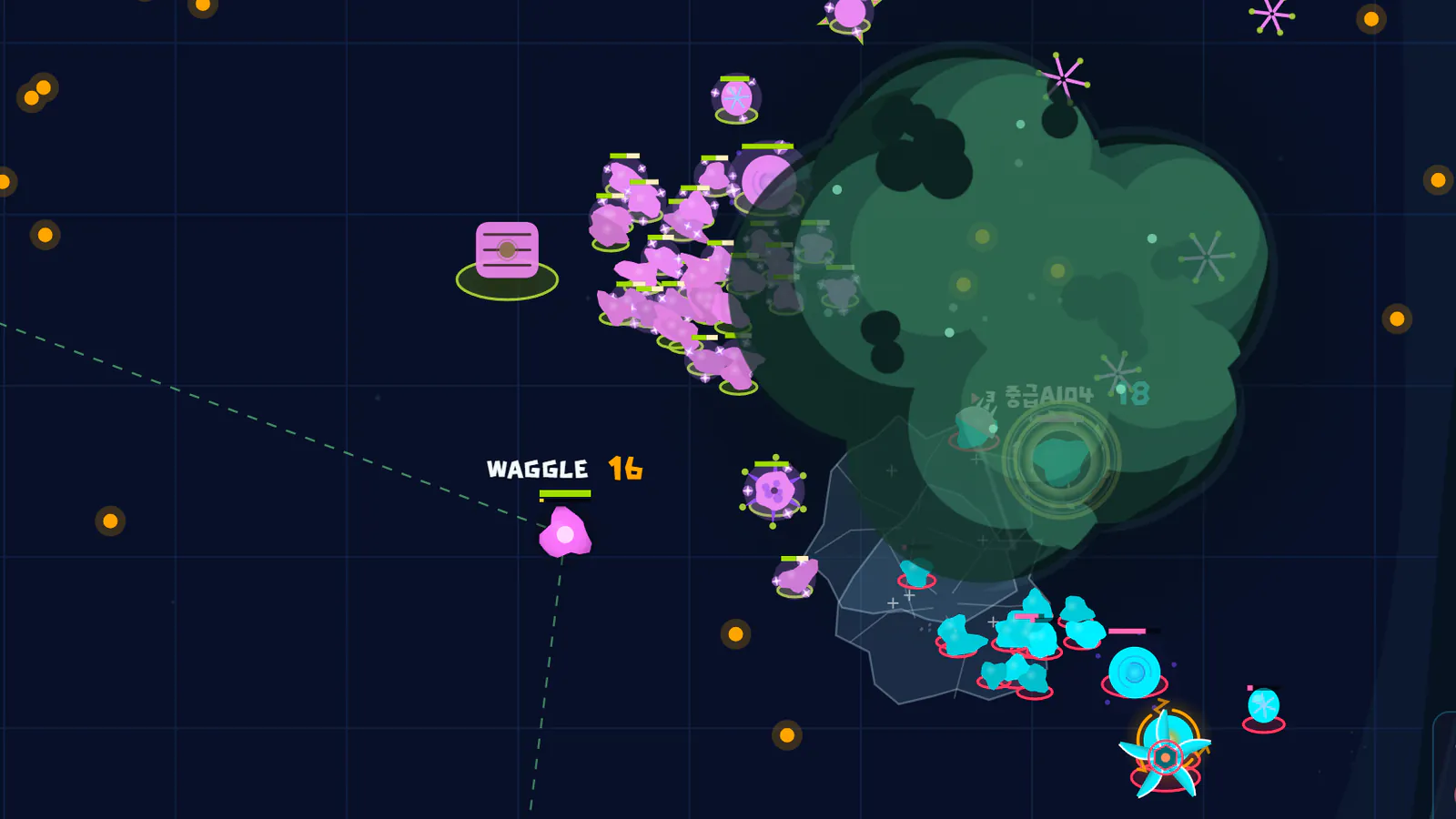
A Round with AI Before Multiplayer
Once the tutorial has taught you the controls, try a real match against AI. Open AI Match from Learn in the lobby, pick a mode and a difficulty, and start right away.
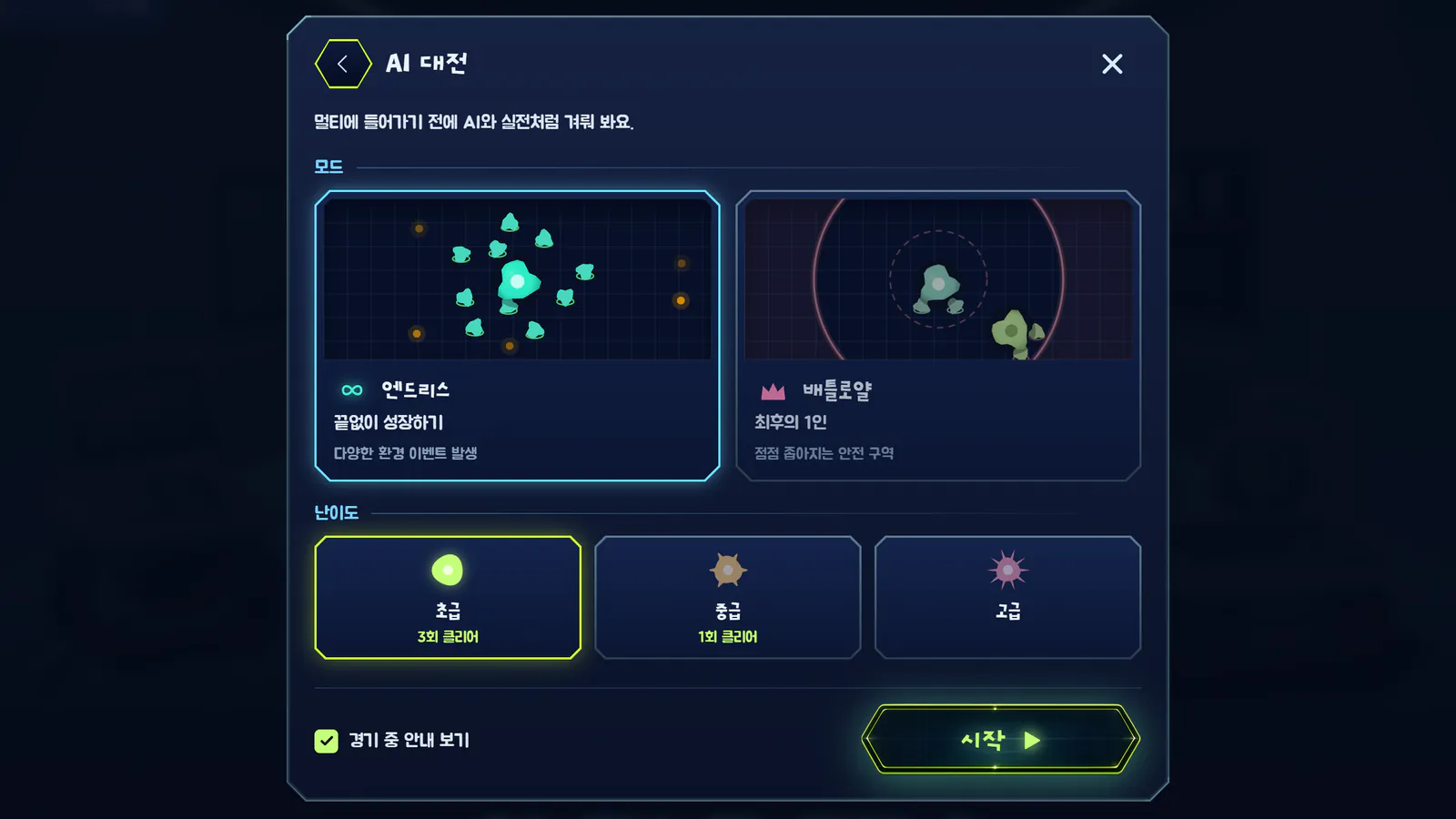
Two Rule Sets, Three Difficulties
- Endless: defeat every AI to win. The AI gets the same respawns you do
- Battle Royale: the last one standing in the shrinking safe zone wins
- Difficulty: choose Easy, Normal or Hard. A higher difficulty doesn't give the AI more HP or damage, only sharper judgment
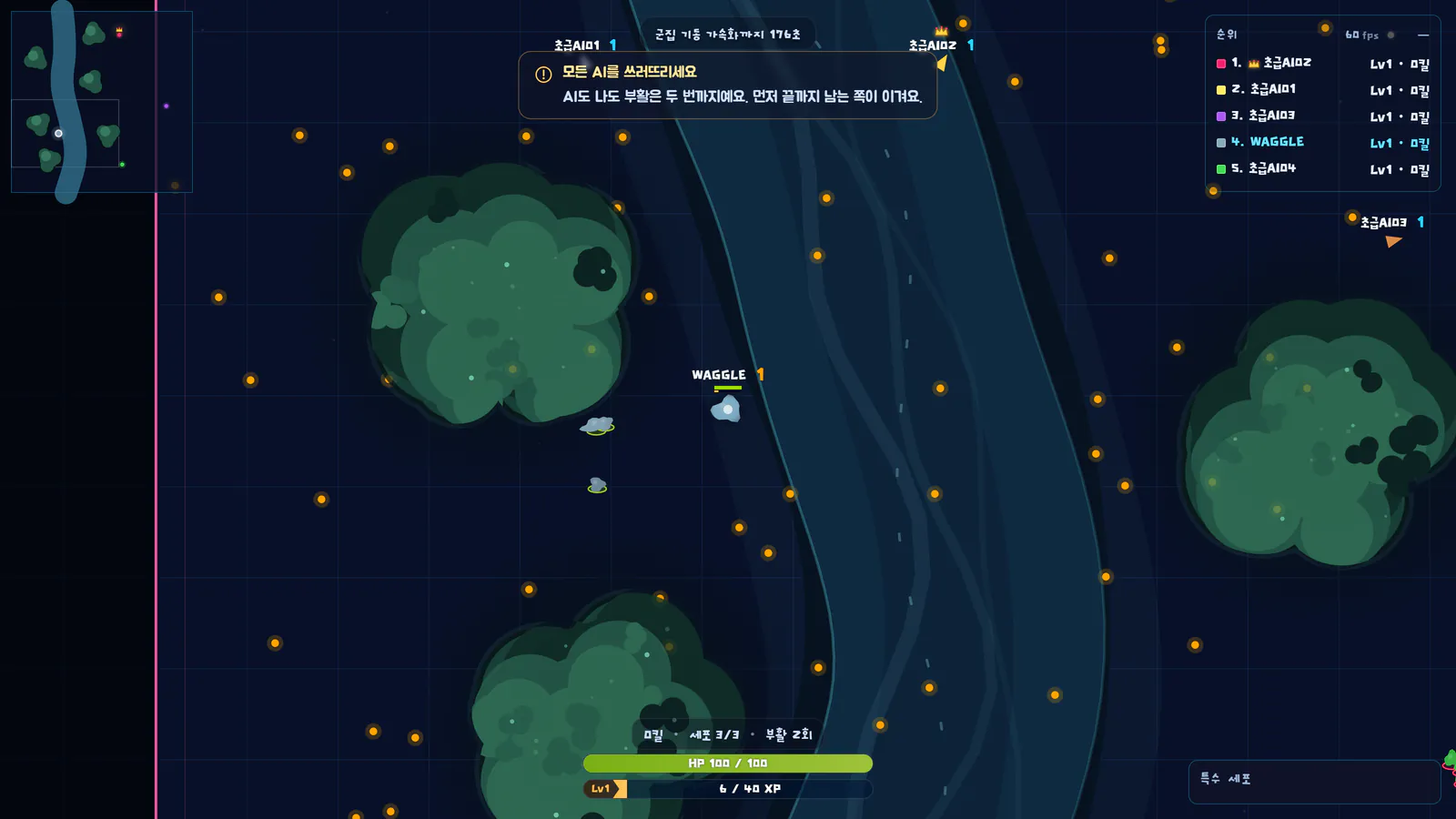
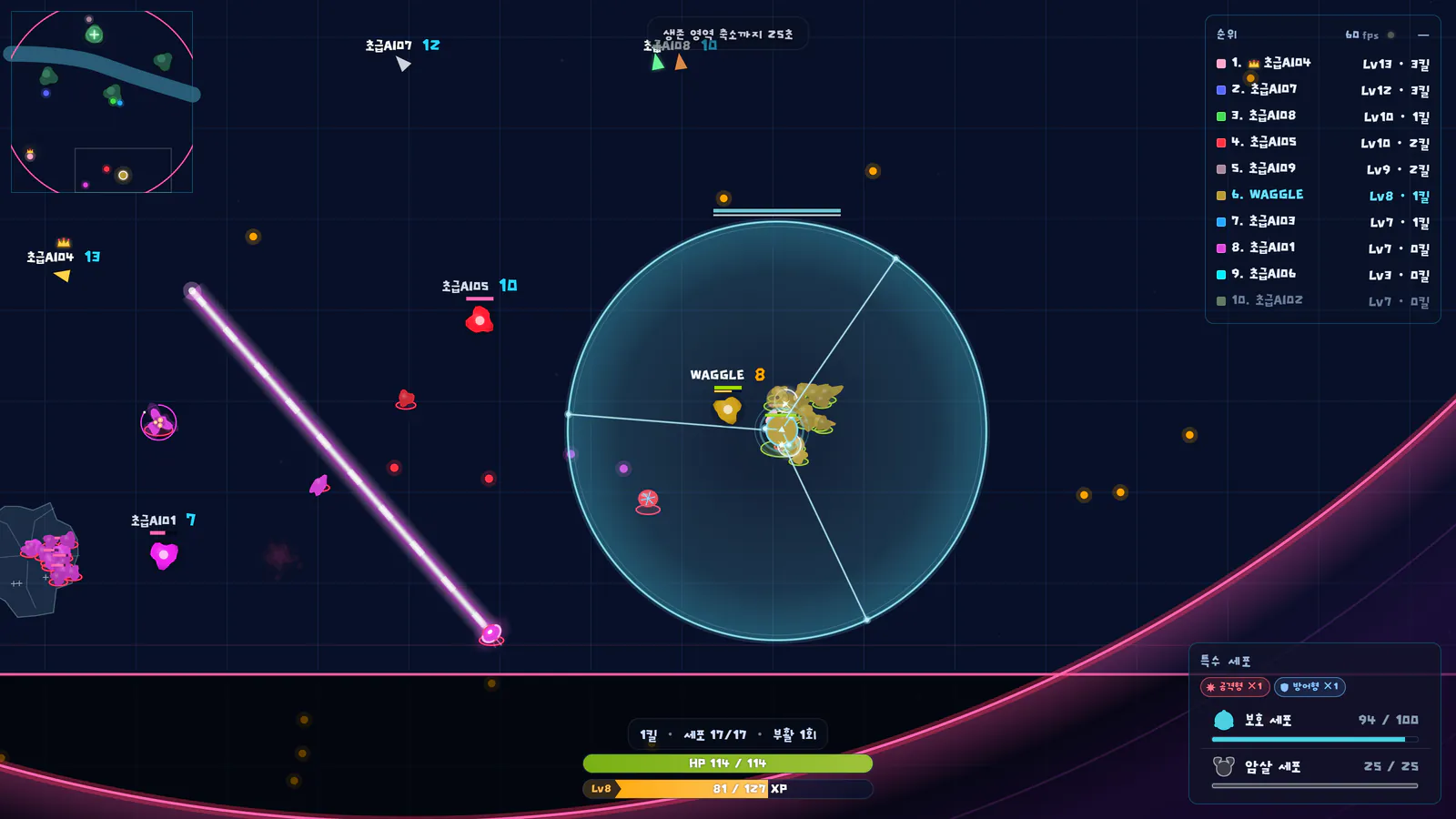
A Tip Whenever Something Is New
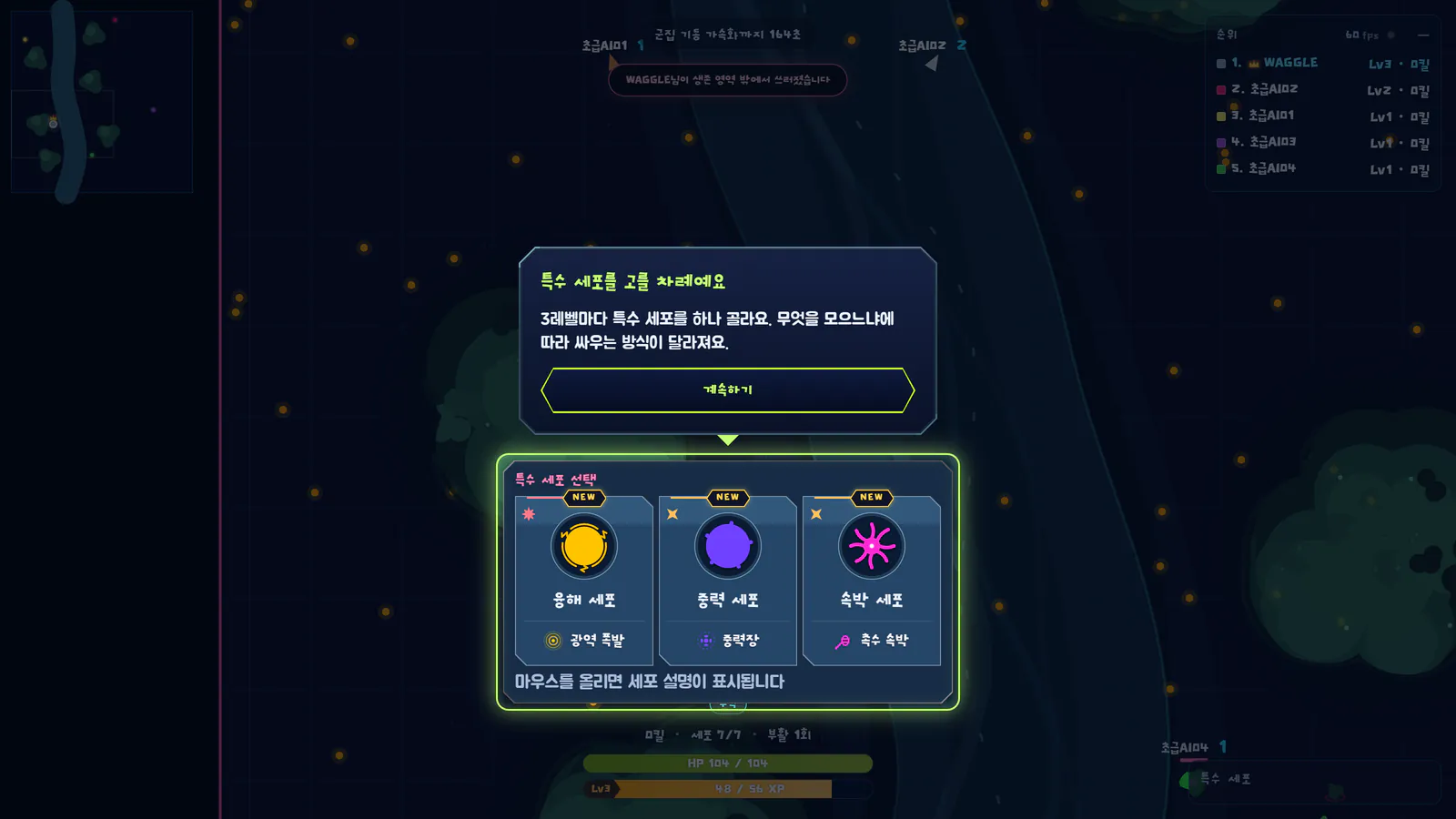
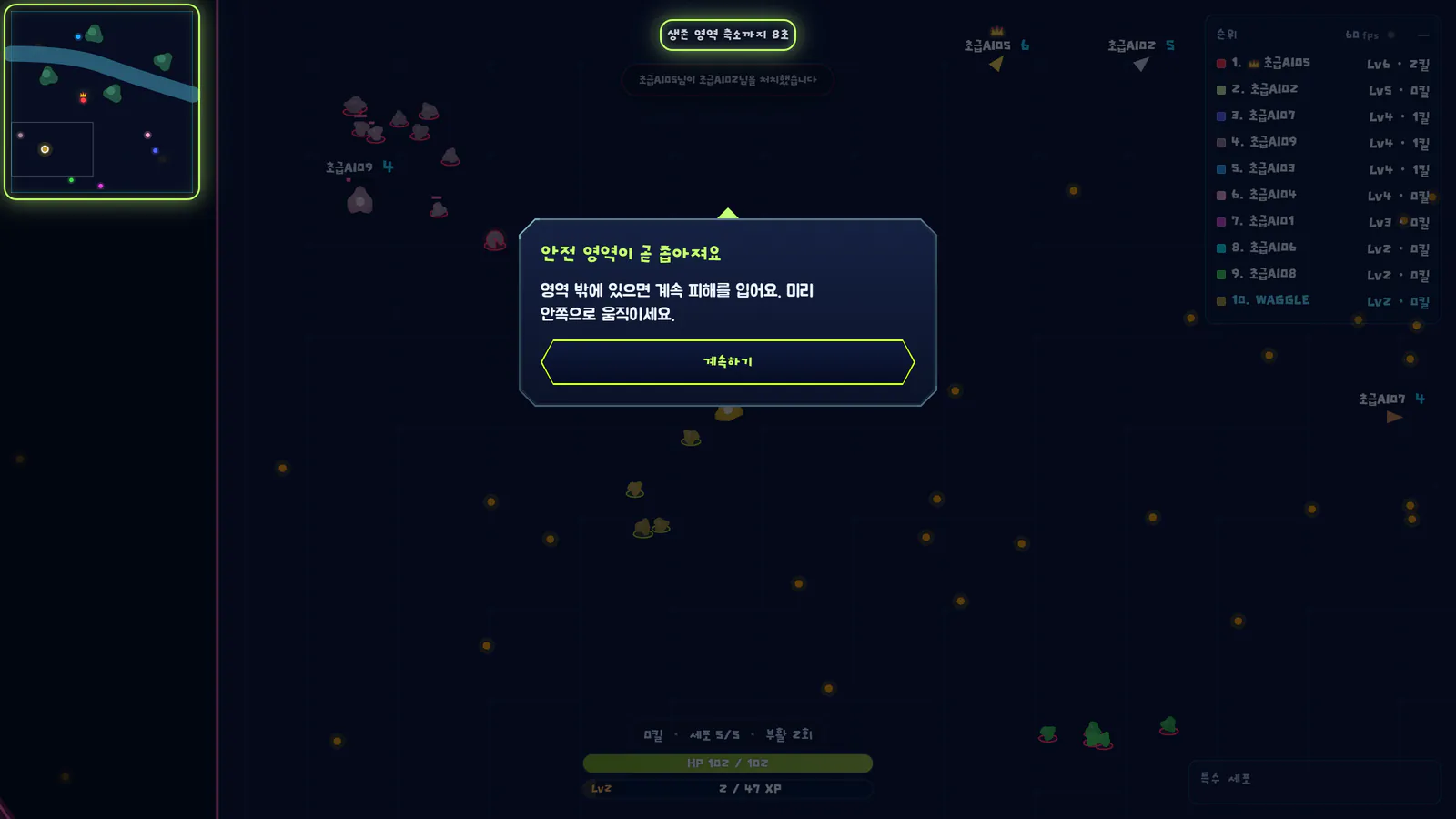
The first time you pick a special cell, or just before the safe zone shrinks, the match pauses for a moment and lights up the part of the screen you need to know. Each tip appears only once, so take your first few matches slowly.
Win, Then Take the Next Step
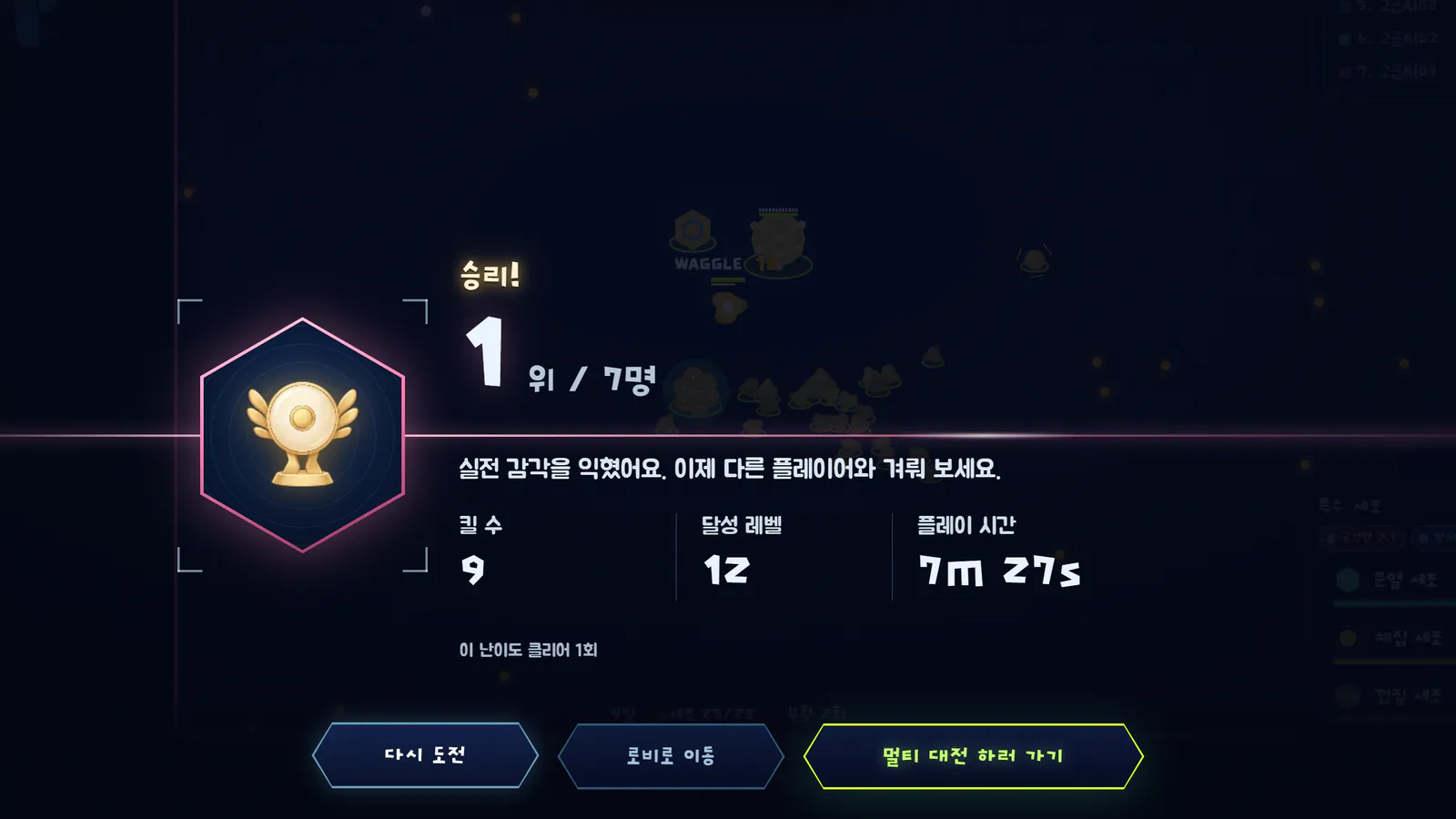
A win leads on to the next difficulty or to multiplayer, and a loss to Try again. The Learn screen shows which difficulties you've cleared.
Everything in Learn
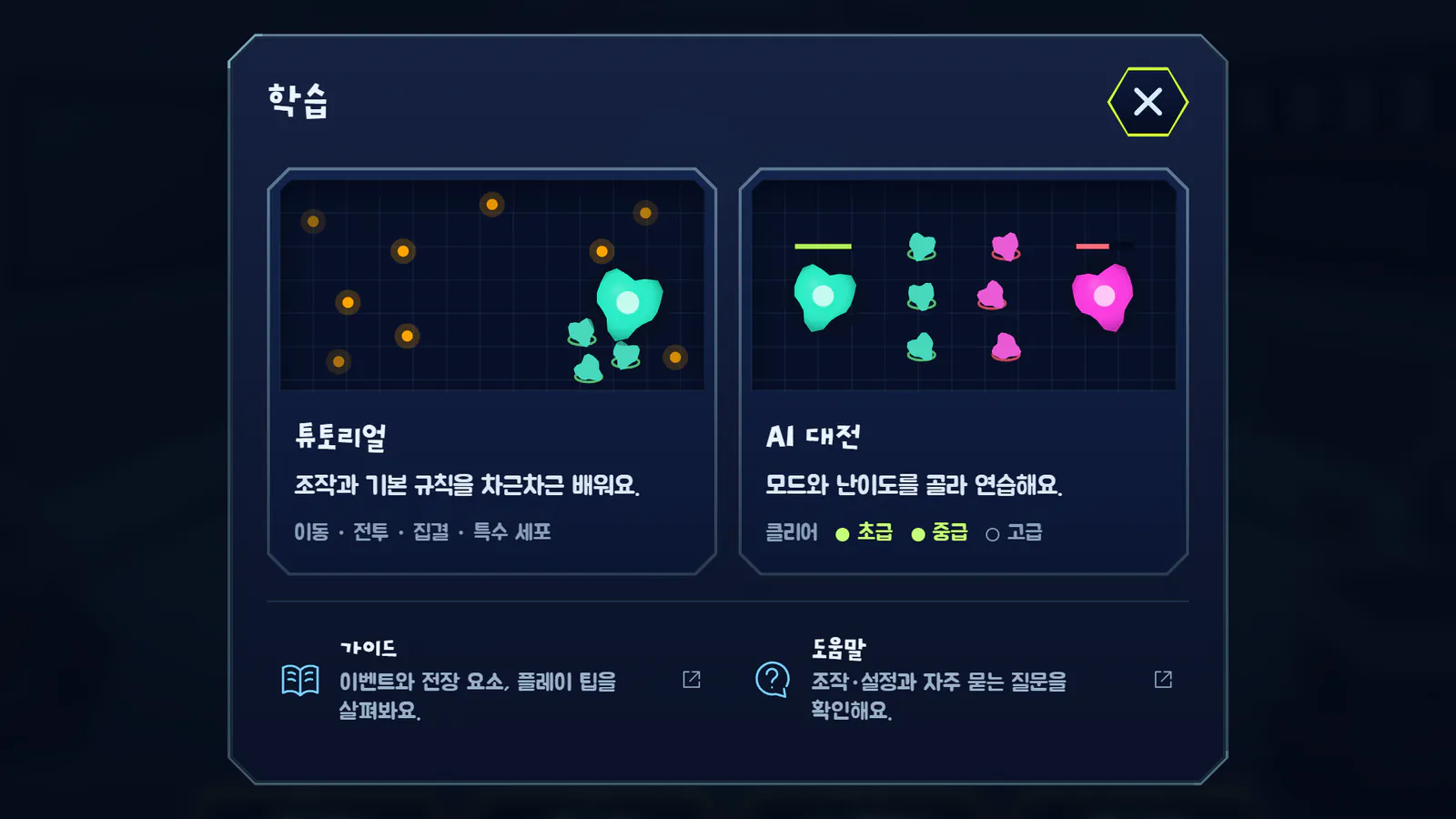
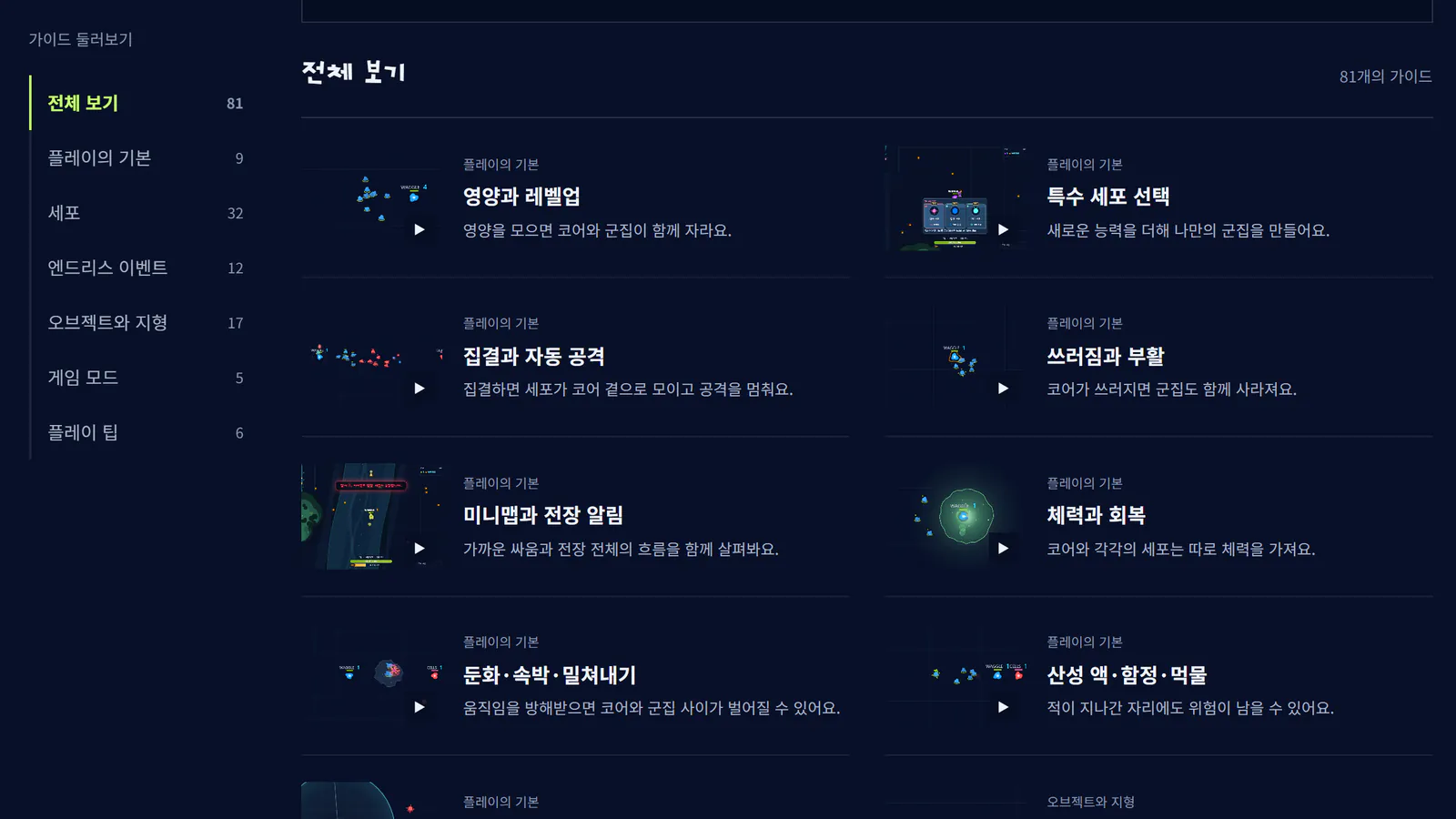
Learn, at the bottom of the lobby, holds the tutorial, AI Match, the guide and help. The guide shows cells, events and terrain in videos, and help answers questions about controls, accounts and connection problems. On the web and in the installed app, once you've played an AI Match you can keep practicing even without an internet connection.
Once you've got the feel of a real match, it's time to take on other players.
What changed in v0.13.0
New
- AI Match: try a real match against AI before going multiplayer. Choose Endless or Battle Royale rules and Easy, Normal or Hard, and watch the AI grow like you do, eating nutrients and picking special cells. Each difficulty keeps count of your clears
- Tips during matches: in AI Match, a short tip appears the first time you meet special cell picks, respawning, world events and the safe zone. For the big moments the match pauses briefly and points out that part of the screen. You can turn them off in the AI Match settings
- Offline play: on the web and in the installed app, once you've played an AI Match you can open the game and play AI Match without an internet connection
- Learn: find the tutorial, AI Match, the guide and help in one place under Learn in the lobby's bottom menu
- Guide and help: a guide that explains cells, Endless events, objects and terrain, game modes and play tips with videos, and a help page that answers questions about controls, settings, accounts and connection problems
Improvements
- When you finish the tutorial, you can start an AI Match straight from the completion screen
- Losing your internet connection is noticed sooner, and you reconnect once it's back. Pressing Continue offline takes you to Learn, where you can play AI Match
Bug Fixes
- Fixed Escort Cells, Wall Cells and cores disappearing from the map after a Sower Cell's trap hit them
- Fixed cells other than your own core moving in small jerks in the tutorial